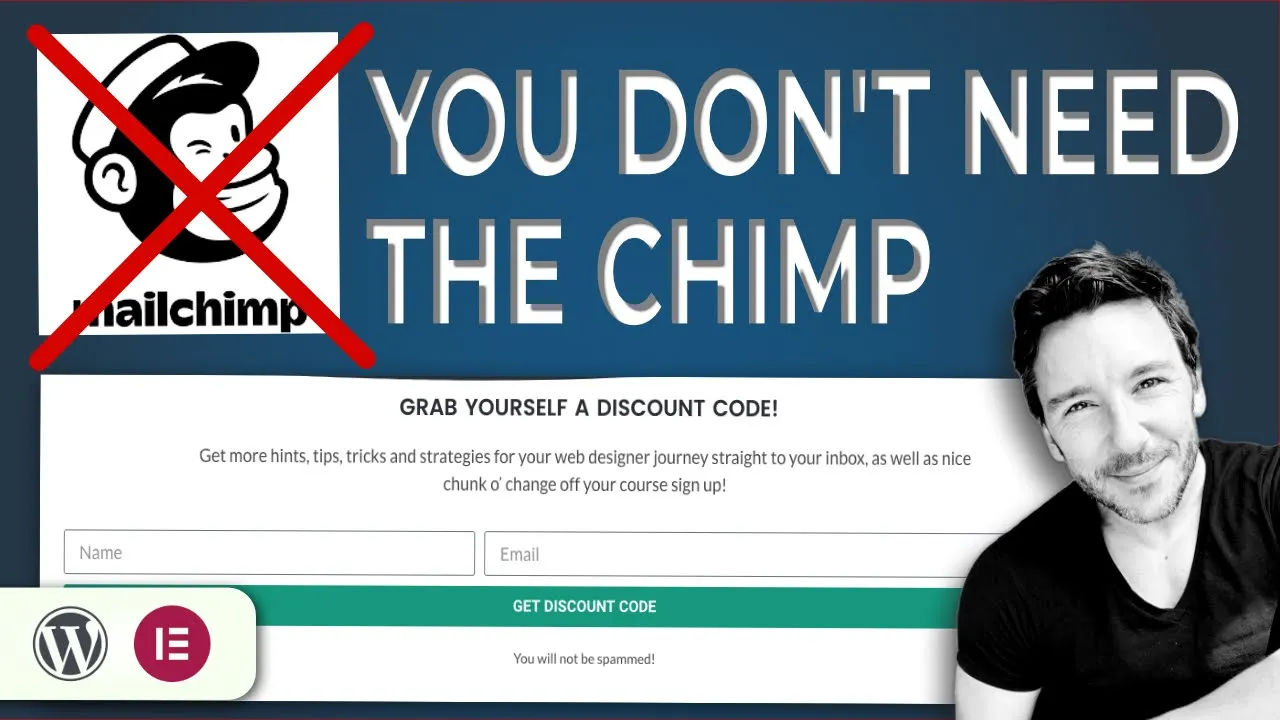

A lead capture form is one of the most important elements of a marketing strategy and, if you’re working to bring marketing strategy into your web designs, the first thing you’ll need to do is learn how to place one onto your pages.
Lead capture tends to be something we think of as part of premium mailing list subscriptions –such as Mailchimp, Optin-Monster or Hubspot- given that the first role of lead capture is bringing the name and email data into your mailing list. However, if you’re using Elementor Pro, there’s no need to dish out on premium packages just yet: we can do it all with Elementor Forms.
I’m not going to jump deeply into ‘What is a lead capture?’ here, as that’s not what you’re here for, but the short of it is that a lead capture performs two functions:
Taking delivery of the new lead’s name and email (and any other important information) is the first function. Even better is when this info goes straight into the mailing list.
Once the data has been captured, it’s necessary to automatically deliver the incentive that had the lead submit their data in the first place. This needs to be immediate, if possible, as it maintains momentum for your lead and is respectful to the deal you just made.
So, let’s move onto how we’ll perform the essential lead capture functions using Elementor Forms.
As a contact form’s primary role is to capture information, as entered into the fields, and send it to the allocated email address, we’re already half way there! Even if the bare basics of it is that you receive the name and email to your inbox and then manually enter those into your mailing list, we have job one covered!
However, to take this a step further, you can easily integrate mailing list services -such as Mailchimp, ConvertKit etc- into Elementor forms, meaning that the name and email automatically slide into your mailing list.
To integrate Elementor forms with your mailing list:
Now that we’ve captured the data, we need to deliver the incentive, whether that’s a discount code, pdf or link to an exclusive video or resource.
We could do this with either an email or a redirect to a private web page. In truth, why use one when you can do two (watch the video to see how effective it is). But let’s look at the email method first.
Obviously the incentive is a resource you’ll need to prepare. If it’s a coupon code for your Woocommerce store, you’ll need to create it. If it’s a PDF you’d like your new lead to download, you’ll need to add it to your Media Library and obtain the link (click on it in the library and click ‘Copy URL to clipboard’). If it’s an unlisted video on YouTube, you’ll need to grab the link.
Now let’s arrange delivery:
The other (or additional option) is to redirect the lead from the lead capture form and straight to another web page. Obviously, you’ll need to create the page and add the coupon code or PDF to it. When it’s an exclusive video, you can embed the video straight into the page, using Elementor’s video widget…and set it to autoplay.
This is a real opportunity to maintain the momentum and quickly get ‘face to face’ with a video or deliver the coupon code with a direct link to purchase the service or product. There’s nothing like maintaining momentum in the funnel.
That’s it!
					<h3 style="color:green;">Hi [field id="name"],</h3>
<p>Thanks for your interest in my course! </p>
<p>I understand there's a lot for you to get your head around when learning something new, so do feel free to get in touch!  </p>
<h4 style="color:green;">
<a href="ENTER YOUR RESOURCE LINK HERE">Get your Incentive Here!</a></h4>
<p>Don't forget, we are always around for further questions...there's no commitment made with a conversation. </p>
<p>Speak soon, and take care! </p>
Dude.
Thanks for your interest in my course!
I understand there’s a lot for you to get your head around when learning something new, so do feel free to get in touch!
Don’t forget, we are always around for further questions…there’s no commitment made with a conversation.
Speak soon, and take care!
Dude.
As you can see, there are a whole ton of options for lead capture that you can achieve with only Elementor Pro. Especially when you are first exploring a strategy, it makes sense to hold off on the Premium Mailing List options.
If you’re interested in grabbing Elementor Pro for yourself, please do consider going through my affiliate link.
If you’re interested in a COUPON CODE for my ‘Become a no coding web design course’ on Udemy…go here!